Get Cinema-Grade iPhone Footage – Frame Rate, ProRes, Log
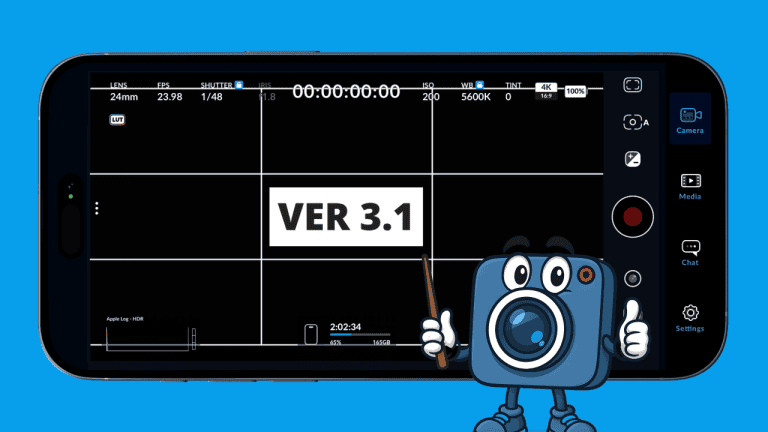
Most people just hit record and leave all the defaults untouched — and miss out on the best Cinema-Grade image quality their iPhone can deliver. This guide reveals the pro-level settings inside the Blackmagic Camera App — so you can unlock true cinematic results with frame-rate control, Apple ProRes, Apple Log, and advanced camera behaviors.
Codec Settings — Maximize Image Quality
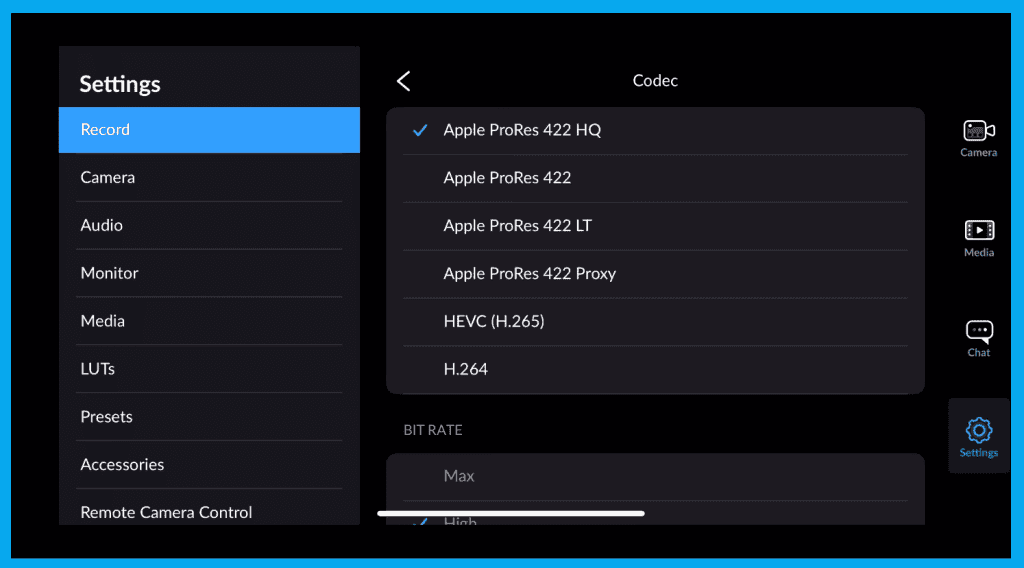
Inside Record Settings, you select your codec — the foundation of image fidelity and workflow.
| Format | Quality | File Size | Best Use |
|---|---|---|---|
| ProRes 422 HQ | Highest | Very Large | Broadcast / cinema delivery |
| ProRes 422 | Excellent | Large | Most pro work |
| ProRes LT | Good | Medium | Storage-limited shoots |
| ProRes Proxy | Low | Tiny | Offline editing previews |
| H.265 / H.264 | Compressed | Small | Casual/restricted workflows |
Resolution
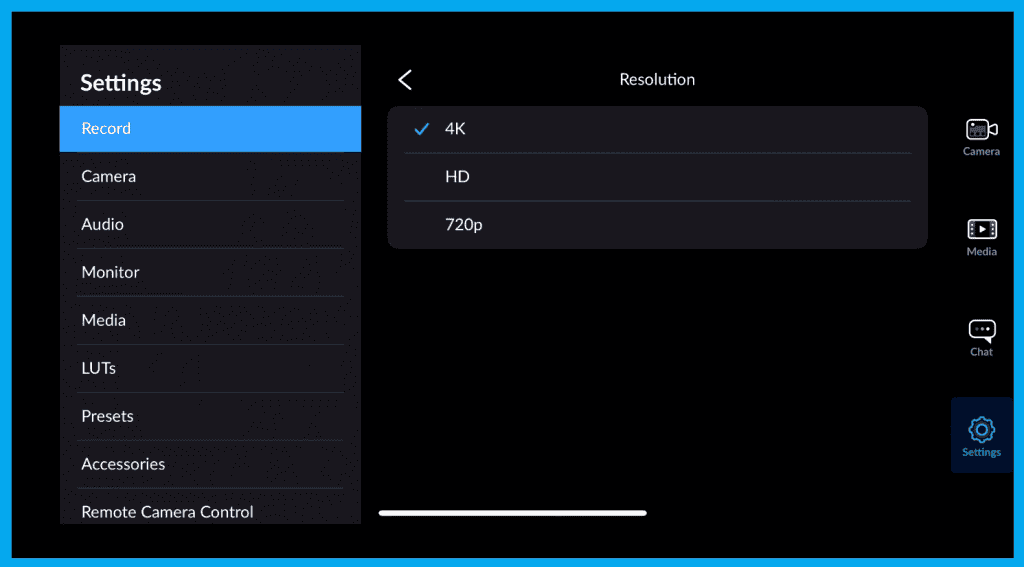
Choose 4K for:
- Flexibility to crop + reframe
- Cleaner downscaling to 1080p
- Future-proof image quality
Color Space — Unlock Dynamic Range with Apple Log
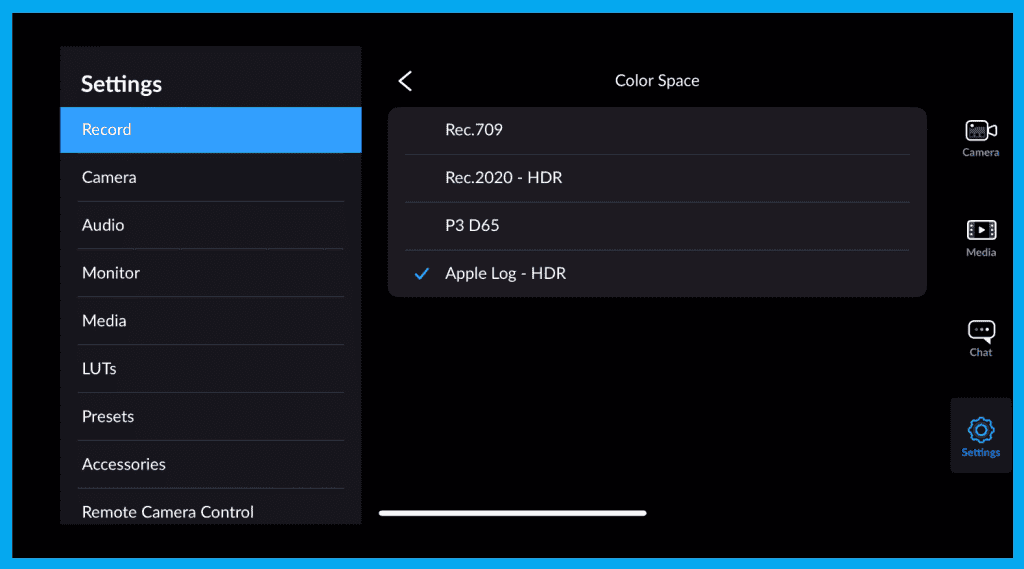
Options: Rec.709, Rec.2020, Apple Log
- Best cinematic option: Apple Log
- Flatter image, more dynamic range, detailed highlights + shadows
- Designed for color correction in post
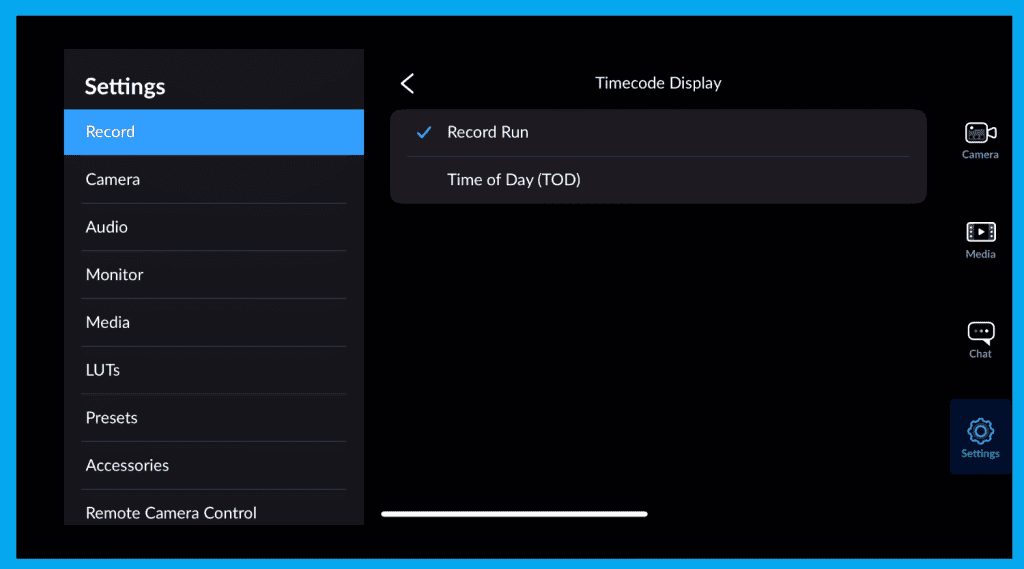
Timecode Modes — Sync Without the Hassle
| Mode | When to Use |
|---|---|
| Record Run | External audio syncing — timecode rolls only while recording |
| Time of Day | Docs, BTS, event coverage — aligns with real-world time |
Time-Lapse Mode
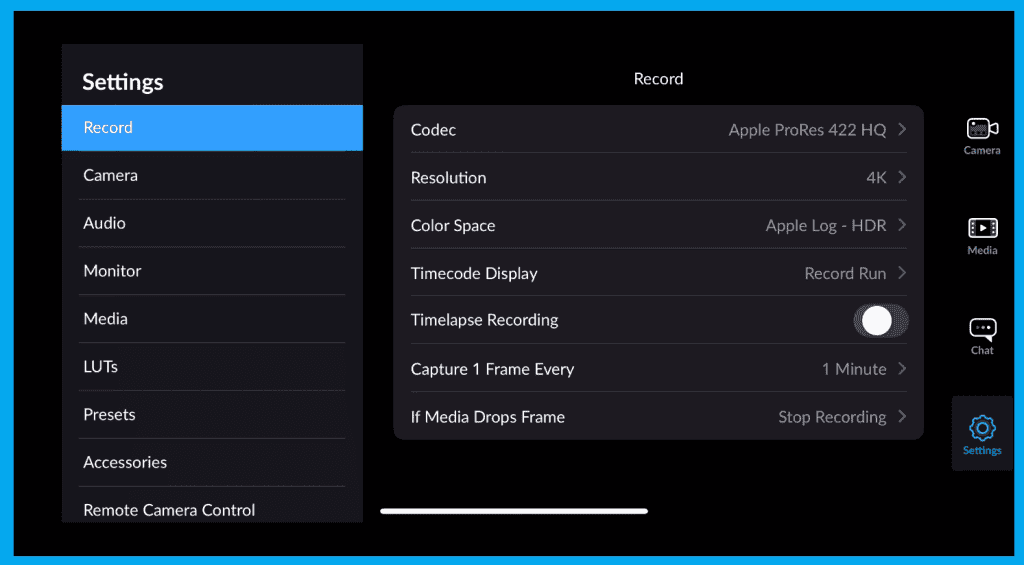
| Time-Lapse Mode | Sunsets, traffic, cloud movement — cinematic sequences |
Drop Frame Handling — Protect Your Take
| Mode | What Happens |
|---|---|
| Alert Mode | Keeps rolling but warns you |
| Stop Mode | Halts recording to prevent file corruption |
Control How the Camera Behaves
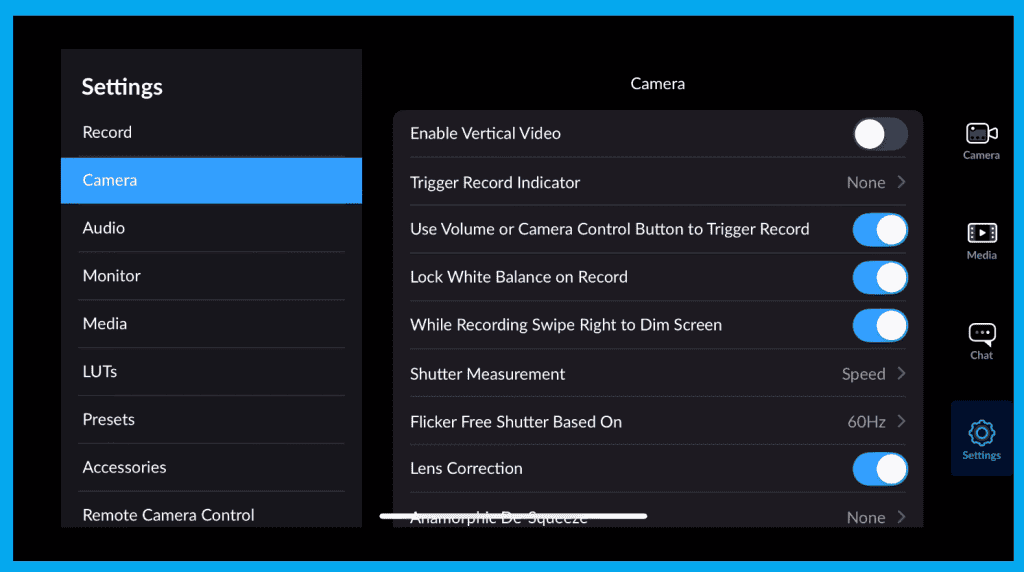

These options transform usability and consistency:
| Setting | Why It Matters |
|---|---|
| Vertical Video Mode | Deliver native TikTok / Reels framing |
| Trigger Indicators | Confirm recording when shooting on rigs |
| Use Volume/Control Buttons | Physical trigger — better stability |
| Lock White Balance | Prevents color shifts during a take |
| Dim Screen Swipe | Saves battery — keeps focus on framing |
| Shutter Mode: Speed/Angle | Cinema shooters prefer angle mode |
| Flicker Free | Prevents light banding based on region |
| Lens Correction | Straightens ultra-wide distortion |
| Anamorphic De-squeeze | Correct preview framing with squeeze lenses |
| Flip Image for SLR Adapters | Fixes inverted previews on DOF adapters |
| Lock Orientation | Stops unwanted display rotation |
| Mirror Front Camera | Familiar preview for vlogging |
Presets — One-Tap Pro Workflow
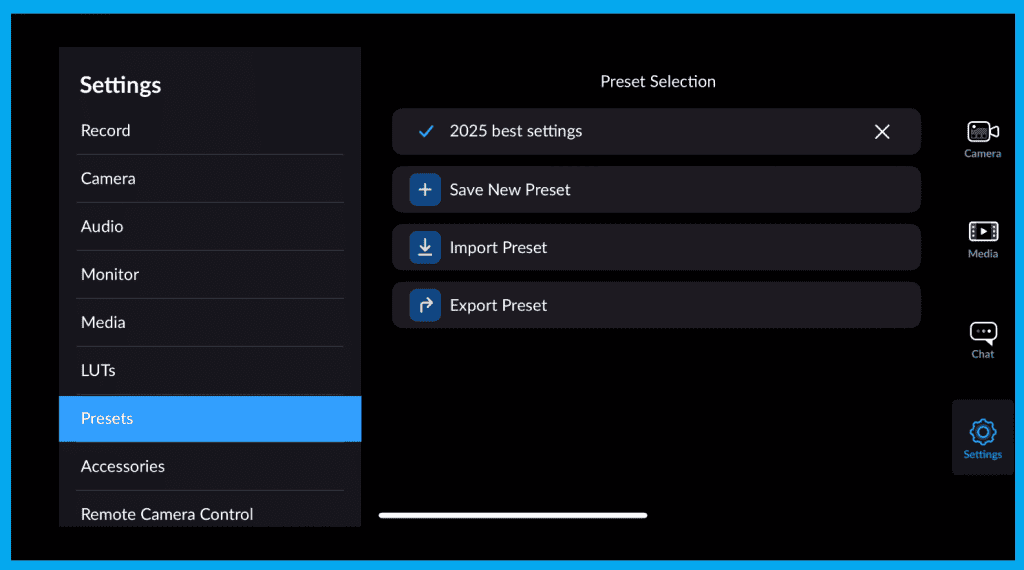
If you change setups often (cinema mode → vertical → interview), presets are your secret weapon.
- Save an entire configuration → 4K ProRes Interviews
- Export presets → share with other shooters
- Import presets → match camera teams instantly
Final Thoughts
You’ve now unlocked the most powerful recording features hidden inside the Blackmagic Camera App — and you’re ready to capture footage that looks truly professional and cinema-grade.
Next up in the series: Remote Control + Stabilization — maximizing smooth control and motion.